For many customers, WhatsApp is where they already talk to businesses — to ask a price, check stock, book a slot or follow up on an order. A WhatsApp chatbot answers those messages instantly, day or night, and passes the conversations that need a person to your team.
Short answer: a WhatsApp chatbot uses the WhatsApp Business Platform (API) to reply to customers automatically. It works best for frequent, predictable questions, orders, bookings and lead qualification — with a clear handover to a human for anything else. You will need API access through Meta or an approved provider, customer opt-in, and approved templates for messages you send first.
What a WhatsApp chatbot can do
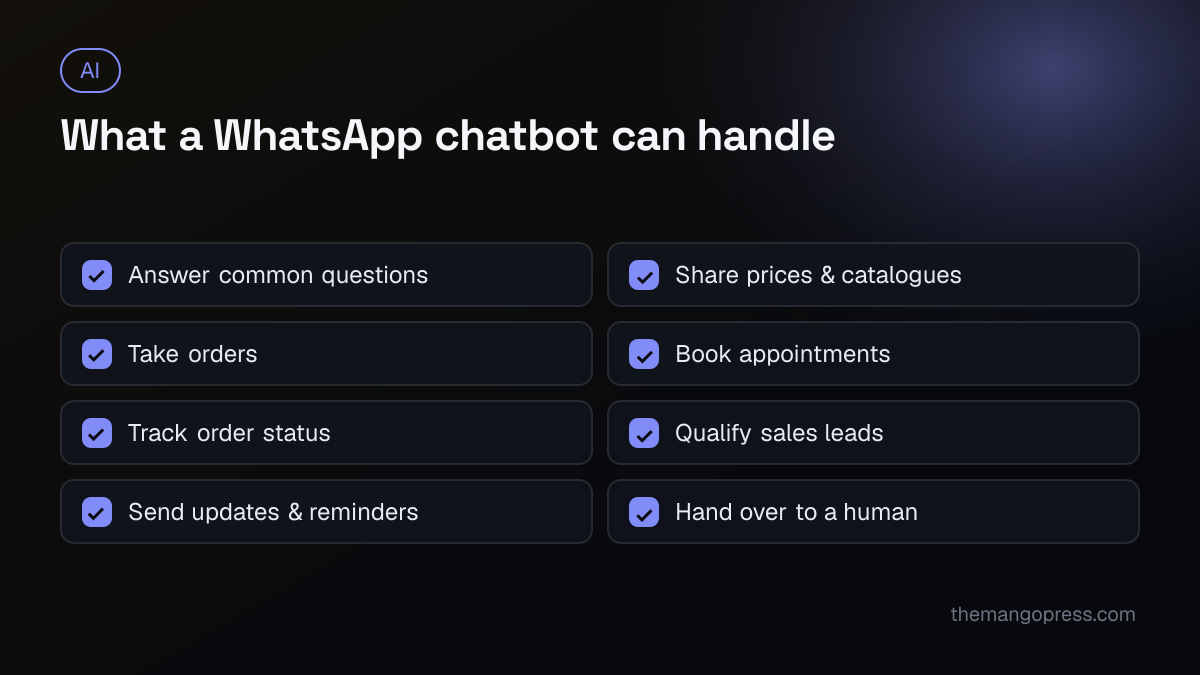
- Customer service: opening hours, delivery areas, return policies, payment options.
- Sales: share product details, prices and catalogues, and guide customers to order.
- Bookings: appointments for clinics, salons, consultations or test drives.
- Order updates: confirmations, shipping status and delivery reminders.
- Lead qualification: ask a few questions, then send warm leads to your sales team.
Rule-based or AI-powered?
| Rule-based (menus & buttons) | AI-powered | |
|---|---|---|
| How it works | Fixed flows and options | Understands free-text questions |
| Best for | Simple, predictable tasks | Varied questions, product advice |
| Setup | Faster | Needs your content and testing |
| Risk | Frustrating if users go off-script | Must be limited to accurate answers |
Many businesses combine both: buttons for common paths and AI for open questions, grounded in your own FAQs, products and policies. Read our guide to AI chatbots for business for more on how AI chatbots work.
What you need to get started
- A WhatsApp Business Platform account. The free WhatsApp Business app is for manual chats; automation at scale uses the API, accessed directly through Meta or through an approved provider.
- A phone number dedicated to the account.
- A verified business in Meta Business Manager.
- Customer opt-in. People must agree to receive messages from you.
- Approved message templates for messages you start, such as order updates or reminders. Within 24 hours of a customer messaging you, you can reply freely.
- A budget for messaging. Meta charges for certain types of messages; pricing depends on the message category and country, so check Meta's current pricing for your markets.
How to launch
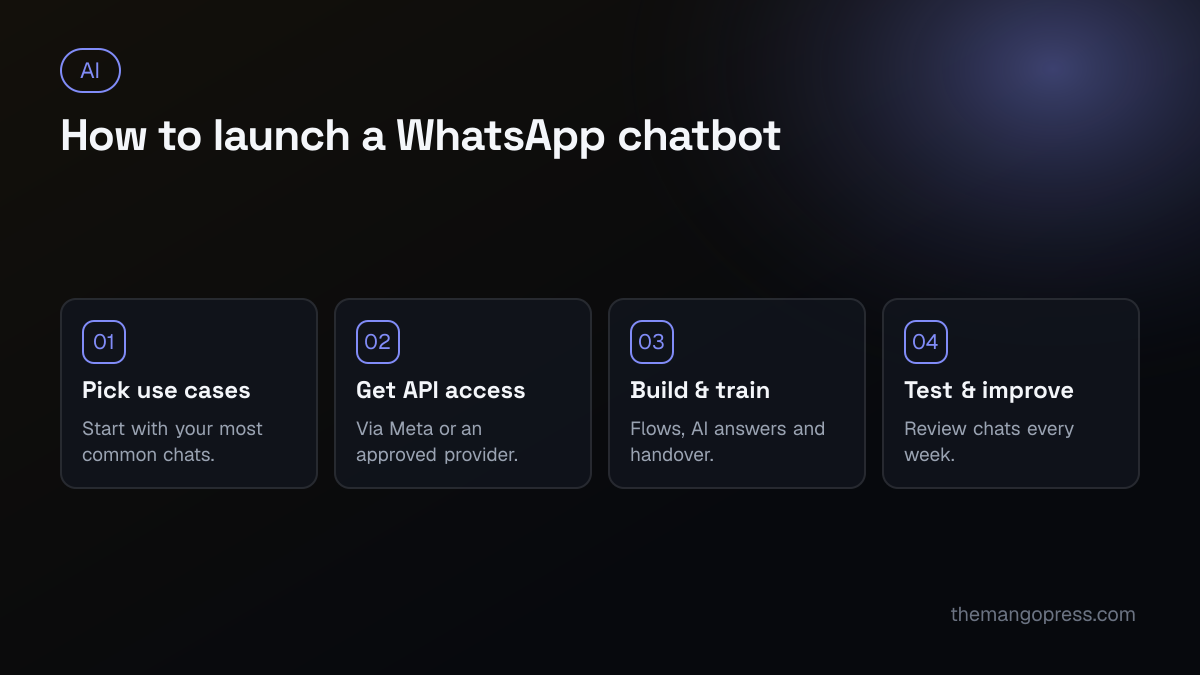
- Pick your use cases. Look at your existing chats and list the questions you answer every day.
- Get API access through Meta or a provider, and verify your business.
- Build and train. Write the flows, connect your product or booking data, and set clear rules for when the bot hands over to a person.
- Test and improve. Try it with your team first, then review real conversations weekly and fill the gaps.
Best practices
- Say it is a bot, and make "talk to a person" easy at any point.
- Keep messages short and use buttons where possible.
- Support your customers' languages — for example English and Urdu, or English and Arabic.
- Connect it to your systems (CRM, store, booking calendar) so answers and orders are accurate.
- Do not spam. Only send messages people expect; too many can get your number restricted.
- Protect customer data and follow the privacy rules in each country you serve.
Common mistakes
- Trying to automate everything on day one.
- No human handover, leaving customers stuck.
- AI answers that are not limited to your real information.
- Forgetting to track results — response time, resolved chats and leads.
Frequently asked questions
Can I use the free WhatsApp Business app for a chatbot?
The app has simple automatic replies, such as greeting and away messages. A real chatbot that handles conversations, orders and integrations needs the WhatsApp Business Platform (API).
Is a WhatsApp chatbot expensive?
Costs include setup, the platform or provider fee and Meta's messaging charges. For businesses that handle many repetitive chats, the time saved often outweighs the cost.
Will customers know they are talking to a bot?
They should. Being open about it builds trust, and a quick route to a person keeps customers happy.
Can the chatbot take payments?
It can share payment links or guide customers to checkout. Options depend on your country and payment provider.
Want a WhatsApp chatbot for your business? Our AI solutions team designs, builds and connects WhatsApp and website chatbots to your systems — get in touch and tell us which conversations you would like to automate.