Great content cannot rank if search engines cannot reach it, understand it or load it quickly. Technical SEO is the foundation underneath everything else — and it is often where the quickest wins are hiding.
Short answer: make sure search engines can crawl your site, that the right pages are indexed, that pages are fast and mobile-friendly, and that your structure and structured data make each page's purpose clear. Google Search Console and PageSpeed Insights, both free, will show you most problems.
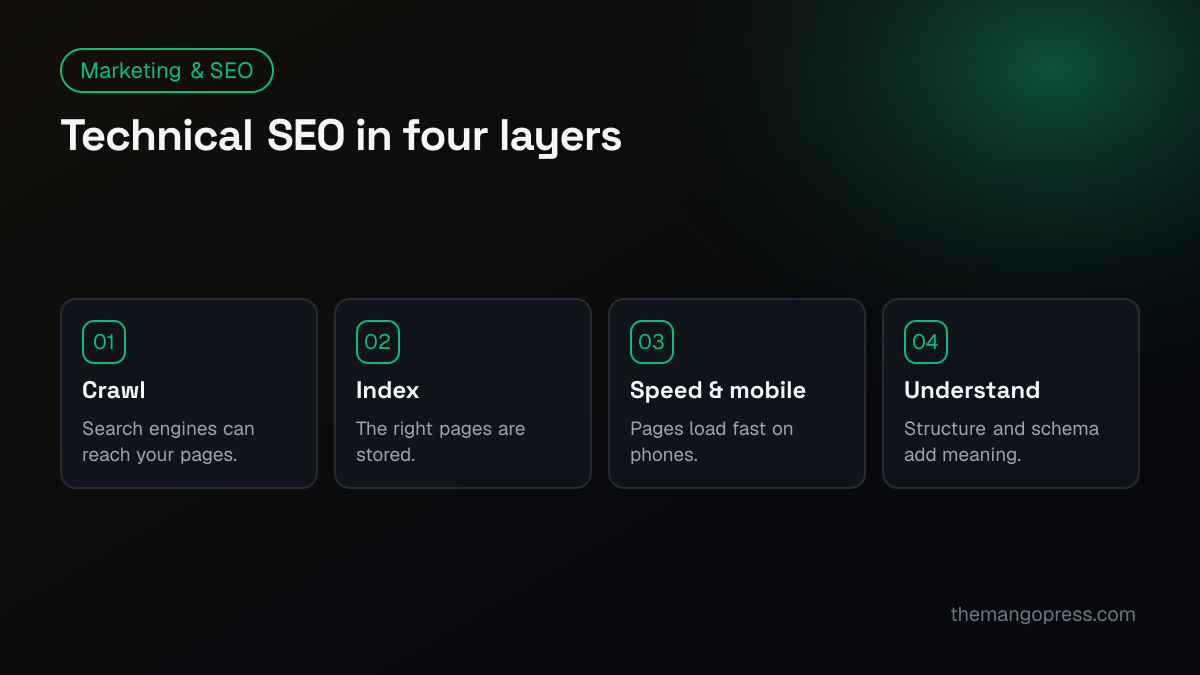
Crawling: can search engines reach your pages?
- Verify your site in Google Search Console and Bing Webmaster Tools. They are your direct line to search engines — and Bing data also powers several AI search tools.
- Check robots.txt. Make sure it does not block important pages, CSS or JavaScript.
- Submit an XML sitemap. It should list every page you want indexed, and nothing you don't.
- Fix broken links and redirect chains. Every link should point straight to a working page, not through several redirects.
- Link to important pages internally. Pages with no internal links ("orphans") are hard for search engines to find.
Indexing: are the right pages in Google?
- Review the Pages report in Search Console. It shows which pages are indexed and why others are not.
- Use canonical tags so each piece of content has one preferred URL, avoiding duplicates from parameters, tracking codes or http/https variations.
- Choose one version of your domain. https, with or without www — and redirect the others to it.
- Noindex low-value pages such as internal search results, thank-you pages or test pages.
- Return proper 404s for pages that no longer exist, or 301-redirect them to the closest relevant page.
Speed and mobile experience
- Pass Core Web Vitals. Check Largest Contentful Paint, Interaction to Next Paint and Cumulative Layout Shift in PageSpeed Insights and the Search Console report.
- Compress and size images properly, and use modern formats such as WebP or AVIF.
- Limit heavy scripts — chat widgets, trackers and animations add up.
- Design mobile first. Google indexes the mobile version of your site, so content and links must be there too.
Helping search engines understand your site
- Write unique titles and meta descriptions for every page, matched to what people search.
- Use one H1 per page and a logical heading structure underneath.
- Add structured data (schema). Organization, Service, Product, FAQ, Article and Breadcrumb markup help search engines and AI assistants understand your pages. Test it with Google's Rich Results Test.
- Write descriptive alt text for meaningful images.
- Use clean, readable URLs such as
/services/web-development/.
Security
- Serve every page over HTTPS and keep your CMS, plugins and themes updated. Hacked sites can be flagged or removed from results.
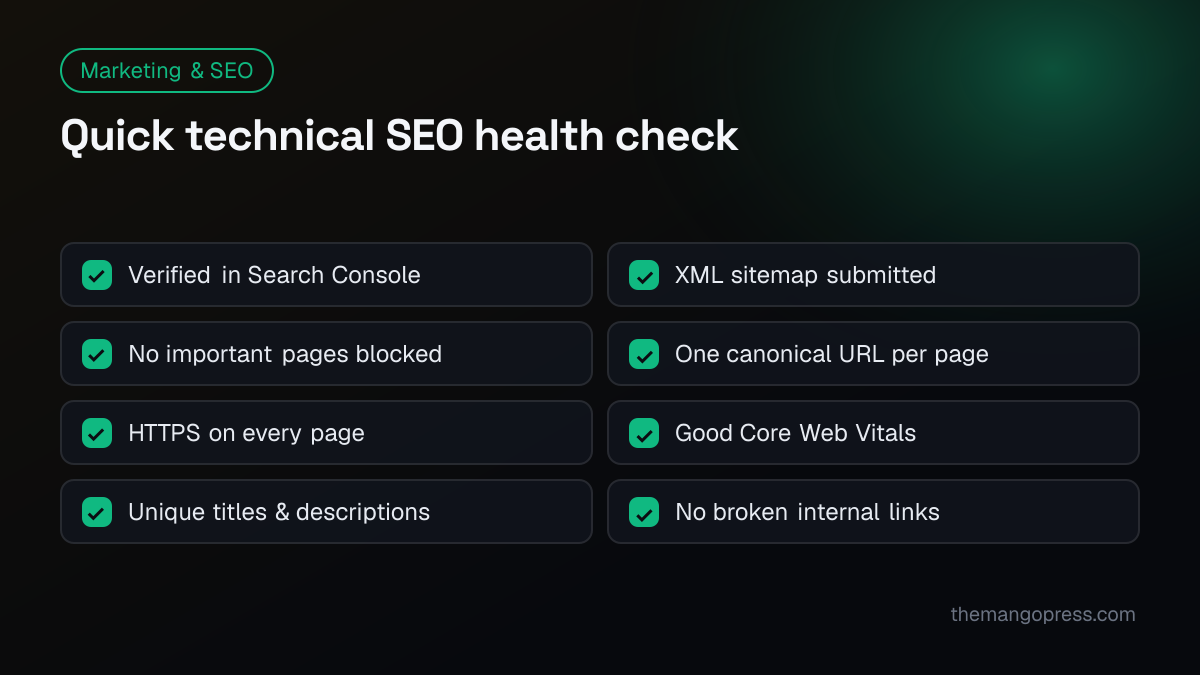
Quick health check
Free tools to run these checks
| Tool | What it checks |
|---|---|
| Google Search Console | Indexing, crawl errors, Core Web Vitals, search queries |
| Bing Webmaster Tools | Indexing and SEO issues for Bing |
| PageSpeed Insights | Speed and Core Web Vitals per page |
| Rich Results Test | Structured data |
| Screaming Frog (free up to 500 URLs) | Broken links, redirects, titles, headings |
How often should you check?
Look at Search Console at least monthly, and run a full technical audit every six to twelve months — and always before and after a website redesign.
Frequently asked questions
What is the difference between technical SEO and on-page SEO?
Technical SEO makes sure search engines can access, render and index your site quickly. On-page SEO is about the content of each page — its topic, keywords, headings and usefulness. You need both.
Can I do technical SEO myself?
Many checks, such as submitting a sitemap or fixing titles, are straightforward with the free tools above. Speed problems, JavaScript rendering, migrations and structured data often need a developer.
How long until technical fixes affect rankings?
Search engines need to recrawl your pages first. Small fixes can show within weeks; bigger improvements build over a few months, alongside content and links. See SEO vs PPC if you need leads sooner.
Does site speed really matter for SEO?
Yes, as one of many signals — and it matters even more for visitors. Slow pages lose people before they read a word.
Want a technical SEO audit? Our digital marketing & SEO team runs full technical audits, fixes the issues and tracks the results — see how we made Leap Networks Arabia faster and search-ready, or get in touch for a free review.